
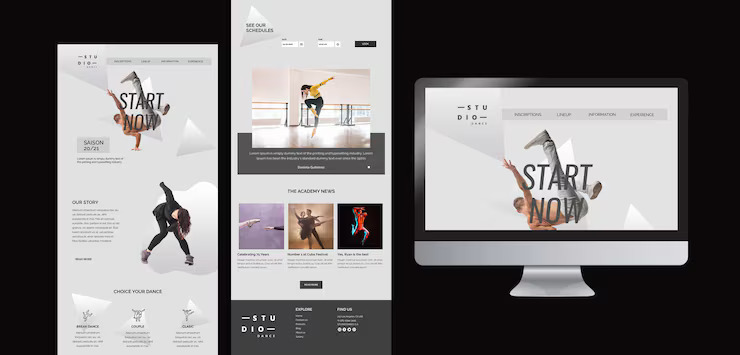
In today’s digital world, Figma has become the most powerful and collaborative UI/UX design tool. It allows design teams to create responsive layouts, prototypes, and complete design systems in real-time. However, many development teams and agencies still rely on PSD files for web design, slicing, and front-end development.
This is where Figma to PSD conversion plays an important role.
Although Figma is the new industry standard, many long-standing workflows in agencies, freelance teams, and printing studios still depend on Photoshop. Converting designs from Figma to PSD helps in:
PSD files provide pixel-perfect, editable layers that can be exported easily for HTML, CSS, and frontend development.
Companies still using Adobe-based systems need PSDs for editing, printing, and design handoff.
Photoshop is still unmatched when it comes to image manipulation, effects, and high-resolution exports.
PSD files allow designers to fine-tune elements before final delivery.
A professionally converted PSD includes:
Organized and labeled layers
Proper grouping (header, footer, sections)
Responsive grid representation
Editable text layers
Smart objects for graphics
Vector shapes for icons and UI elements
This ensures that developers can work smoothly without design issues.
Whether you’re a designer or a developer, Figma to PSD conversion can improve project delivery in many ways:
Faster development handoff
Consistency in branding
Reusable templates for future projects
High-quality deliverables for clients
Seamless collaboration between design and development teams
Figma Design PSDs offer the best of both worlds — modern Figma workflows with traditional PSD compatibility. If your team needs pixel-perfect PSD templates from Figma files, this conversion helps you maintain quality, structure, and efficiency throughout the project.